ClawStudio for creators · Early access
Your footage. Your edit.
Your next release.
A local video studio for creators. Bring in your footage, shape it in the editor, and review the finished video before sharing it with your audience.
$79 one-time · Apple silicon Macs (macOS 14+) · Windows 10/11 64-bit
One-time early access. Your receipt includes private Mac and Windows downloads.
Start with your footage
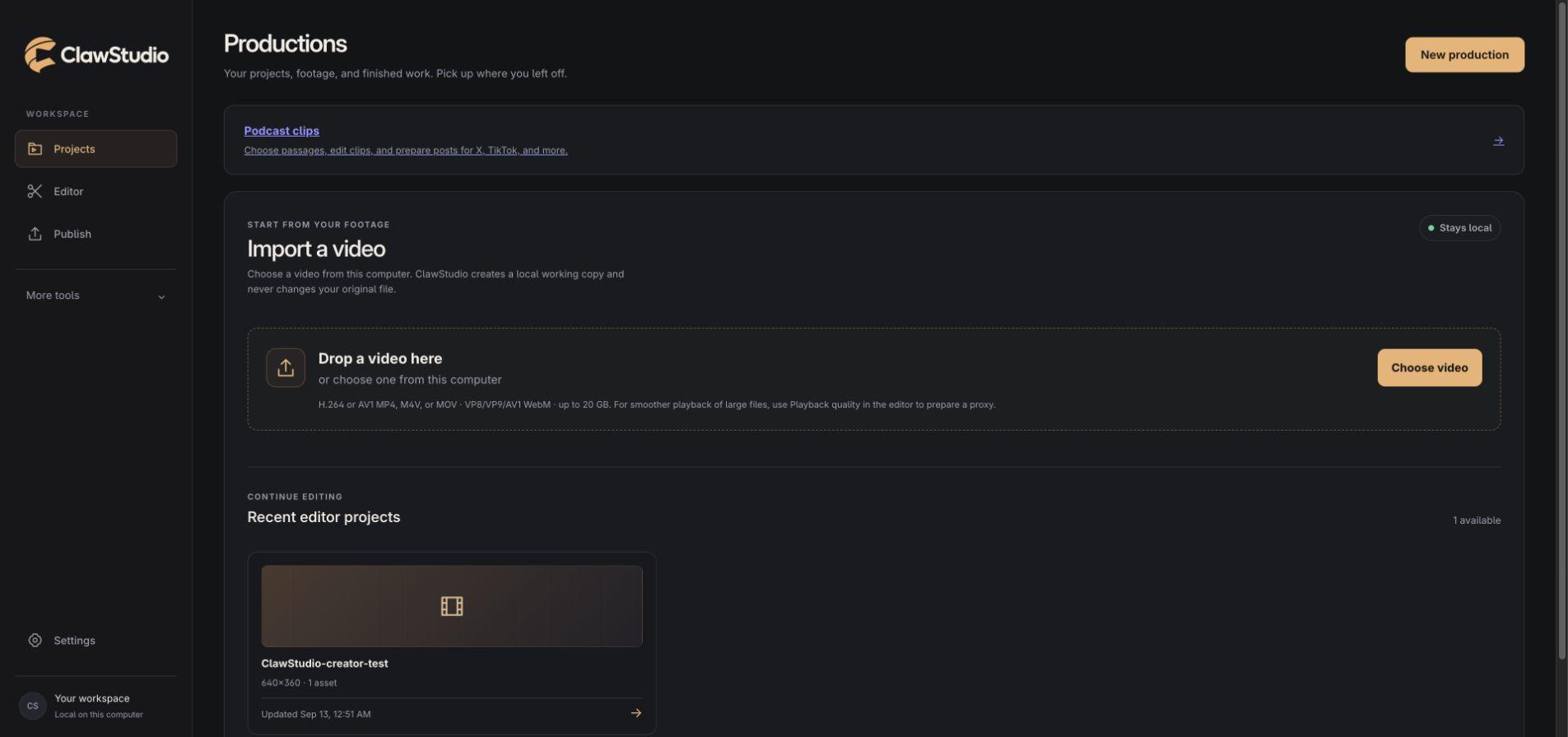
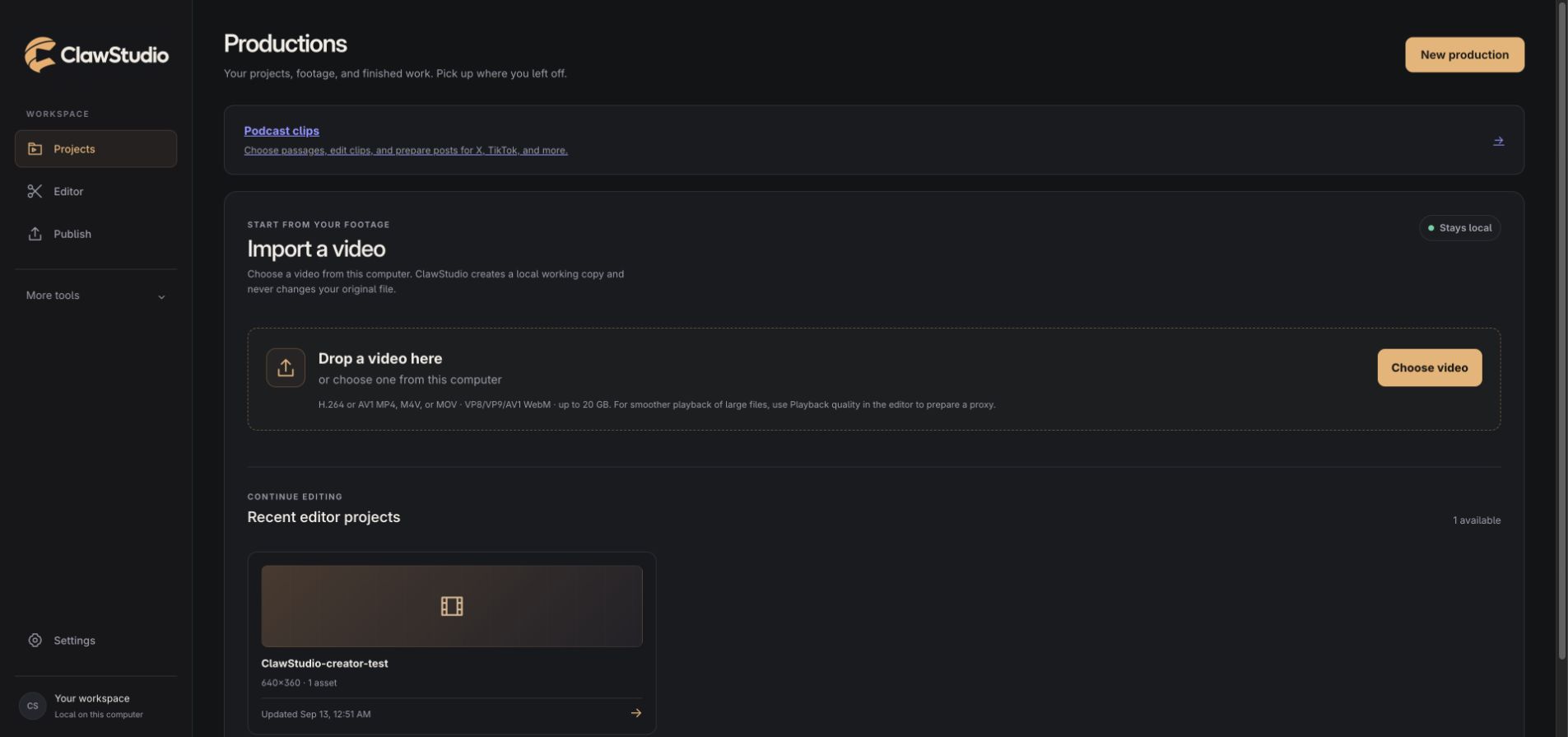
Import a video, keep a local working copy, and return to your saved projects. Your original file stays intact.
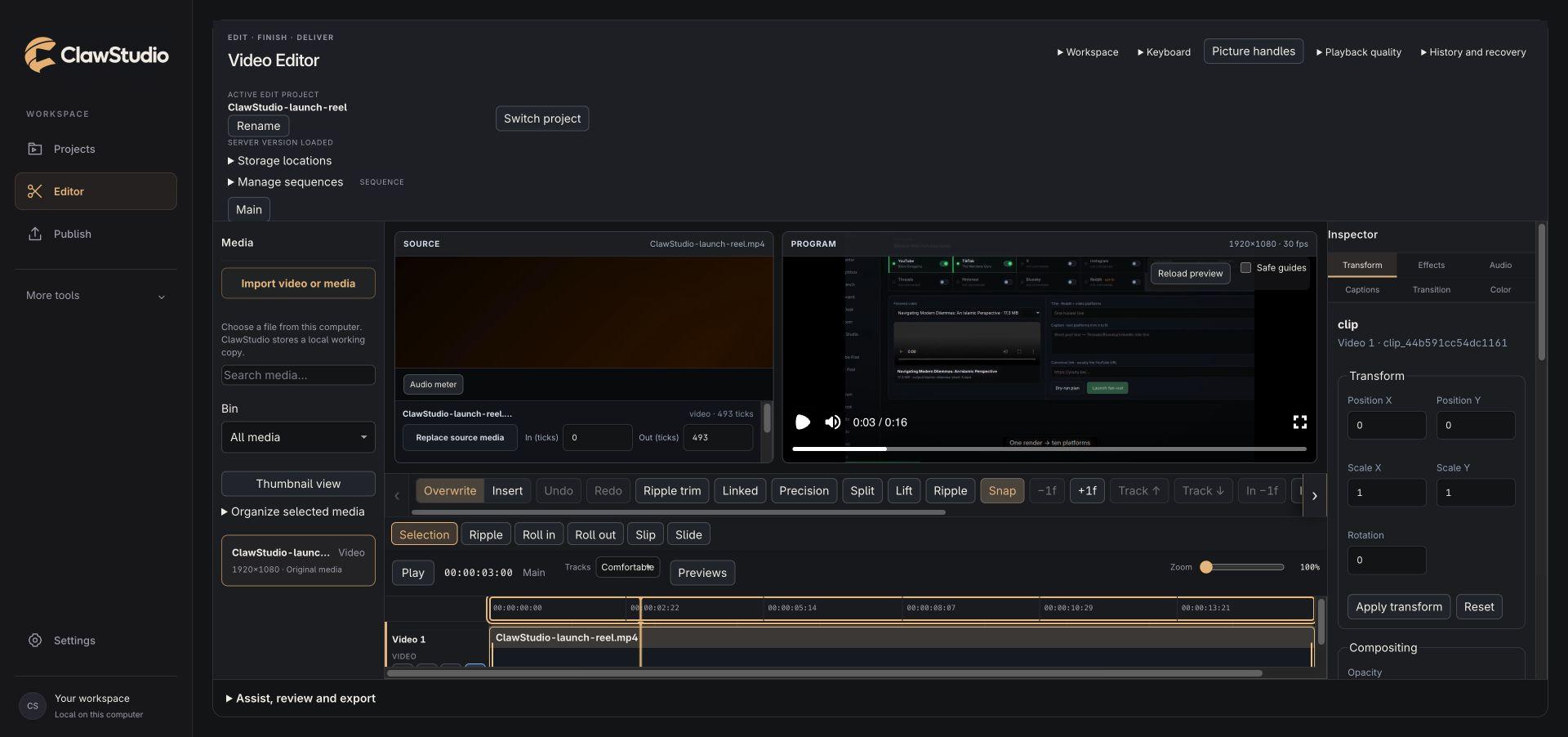
Make the cut yours
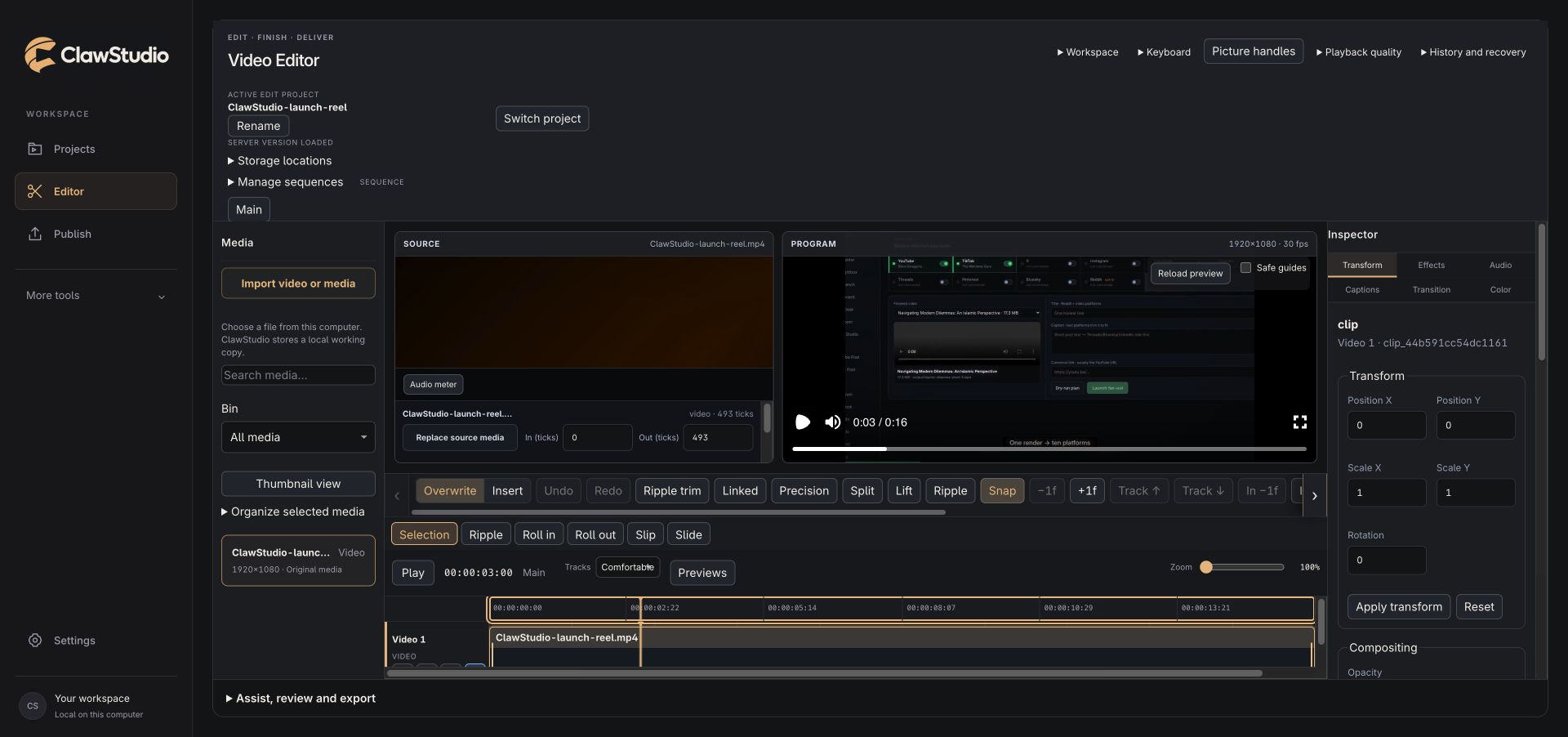
Trim on the timeline, compare source and program views, and adjust the picture, sound, captions, and framing.
Finish with a file you own
Render the version you reviewed and download the finished video. Editing and local exports do not require a social account.
Review before you publish
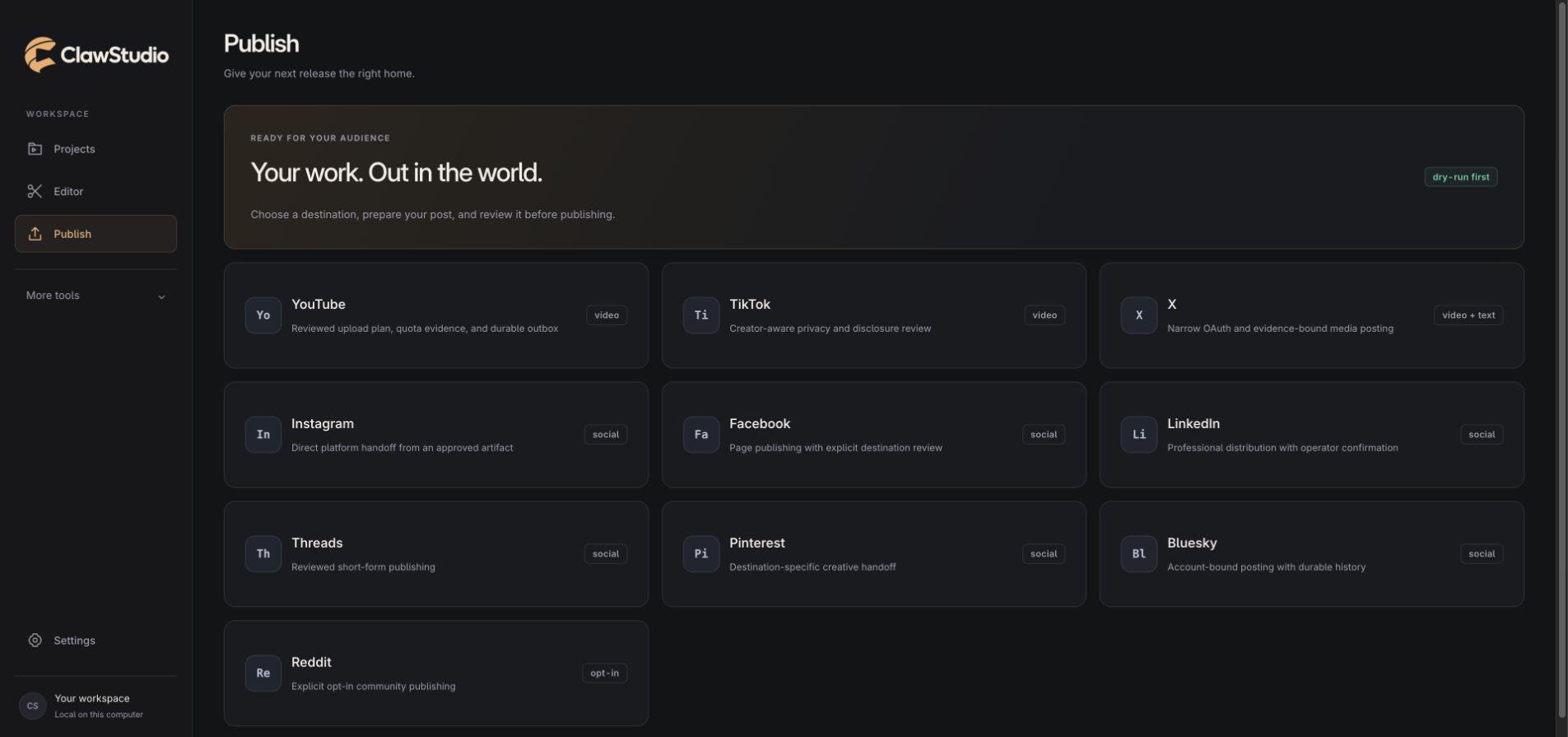
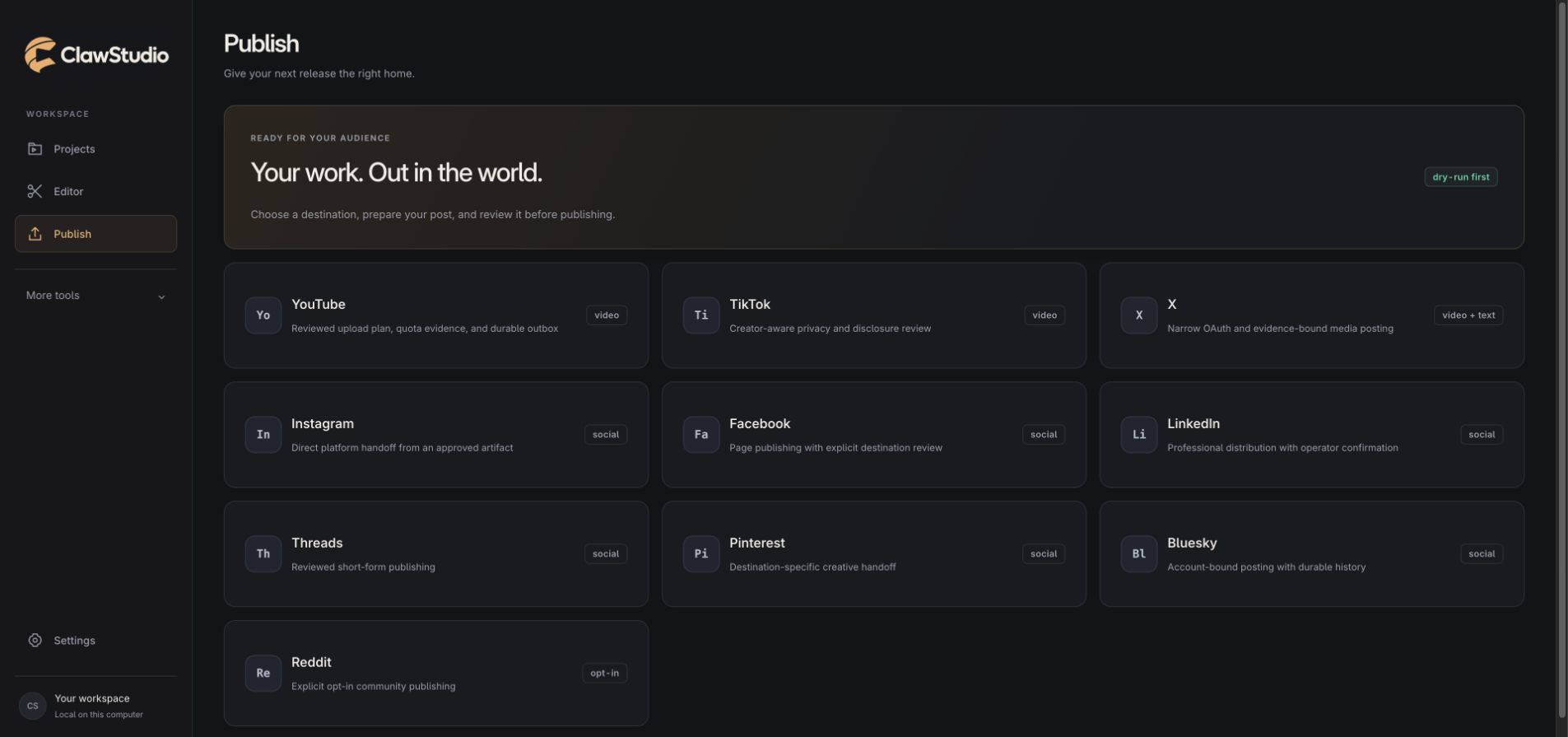
Choose the destination, account, caption, and visibility before approving a post. Social integrations are being prepared for creator access.
Tell your AI agent. ClawStudio does the edit.
ClawStudio includes an MCP server, so Claude Code or another MCP-capable agent can work in your editor: place clips, transcribe, run the TikTok edit and other recipes, and make timeline edits you can undo. Over 70 editor operations and workflows, on your Mac.
- 1. Open ClawStudioImport your video.
- 2. Connect your agent onceRun the command below in Terminal.
- 3. Ask for the edit“Turn my tutorial into a TikTok, captioned.”
claude mcp add clawstudio -- /Applications/ClawStudio.app/Contents/Resources/bin/clawstudio-mcpRequires ClawStudio 0.2.2 or later, open on the same Mac. The agent reaches only ClawStudio at 127.0.0.1 and cannot publish. Review the result in the editor before you export. Your agent needs its own account or subscription, separate from ClawStudio.
Inside ClawStudio
A closer look at the workflow.
Real screens from the current build. Select a screen to see the detail.
01
Bring in your footage
Import a local video and pick up a saved project.
02
Make the edit
Work with source and program monitors, a timeline, and picture and sound controls.
03
Prepare your release
Choose a publishing destination. Creator account integrations are in preparation.
A studio that stays yours.
Your projects live on your Mac. Connect your own accounts when you're ready to publish. Cloud AI is optional, and each social platform controls access to its integration.