Desktop Dictation / Productivity
LiveVoiceForge
Dictate into desktop apps with a shortcut. VoiceForge turns speech into text with local or cloud transcription on macOS, Windows, and Linux.
macOS, Windows, Linux · $79 once
Paid download
One-time purchase. Your receipt unlocks Mac, Windows, and Linux downloads. Cloud provider usage is separate.

Overview
VoiceForge is a desktop dictation app for people who think faster than they type. Hold a global shortcut, speak naturally, and release. VoiceForge transcribes the recording, cleans up the result, and pastes it into the app you already have open. Bring your own provider key or use local transcription, keep a searchable history, and teach the corrections dictionary the names and terms you use every day.
Inside VoiceForge
A closer look at the workflow.
Real screens from the current build. Select a screen to see the detail.
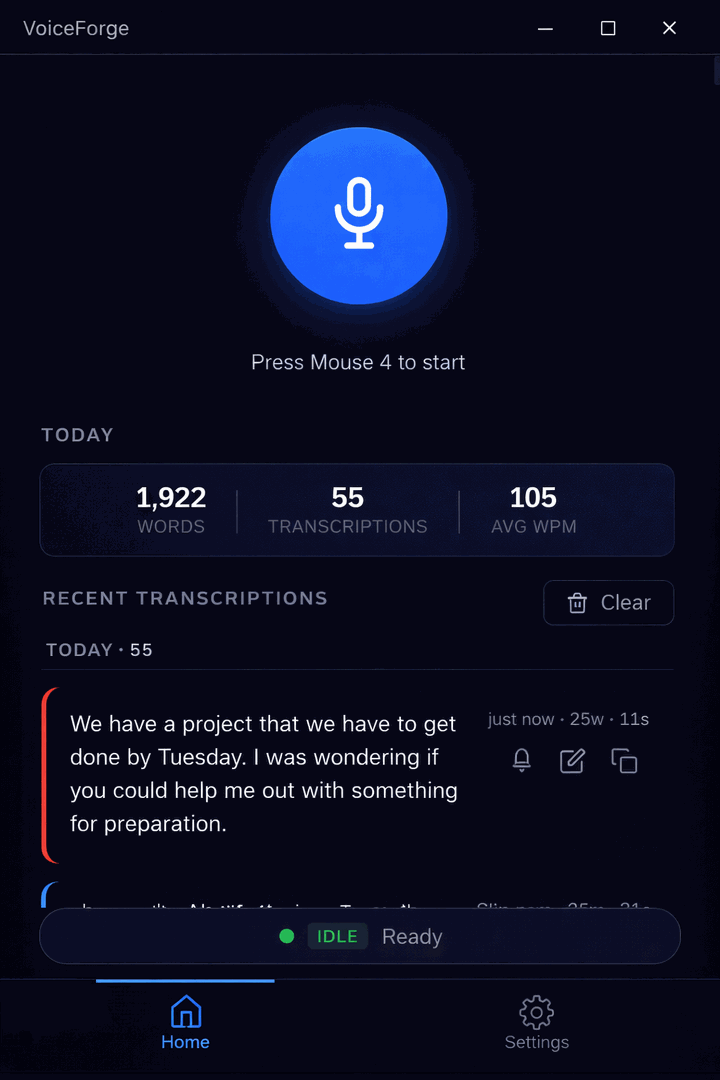
01
Start with a keypress
Use your capture shortcut while working in another app.
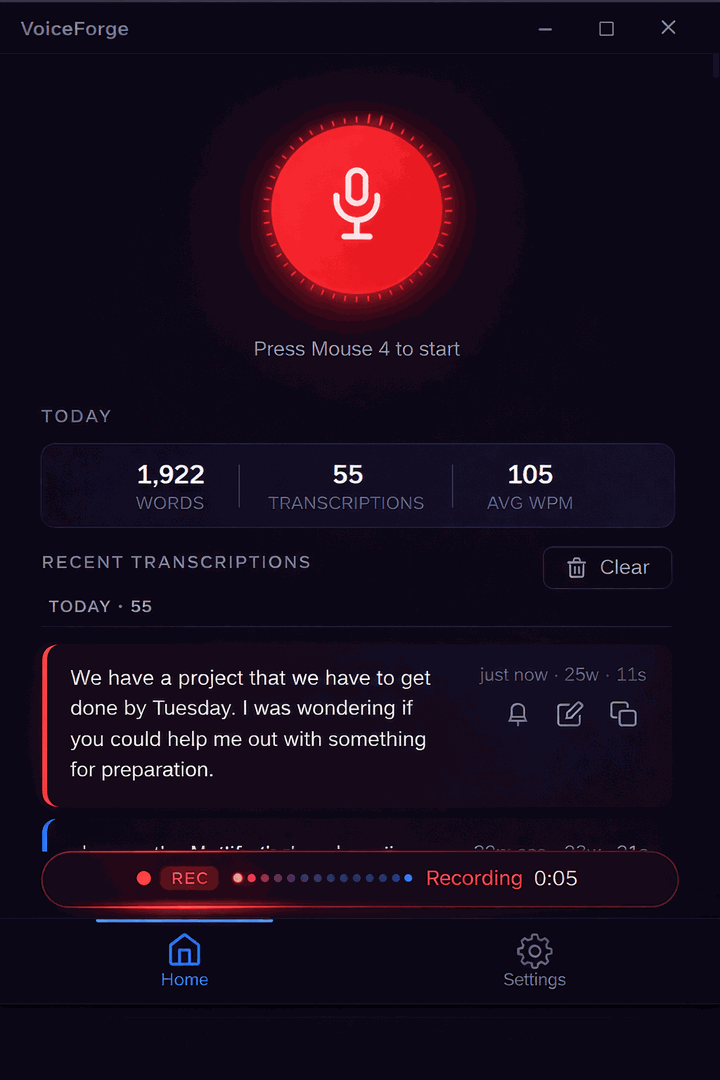
02
Speak your thought
The recording view shows the waveform and microphone level as you talk.
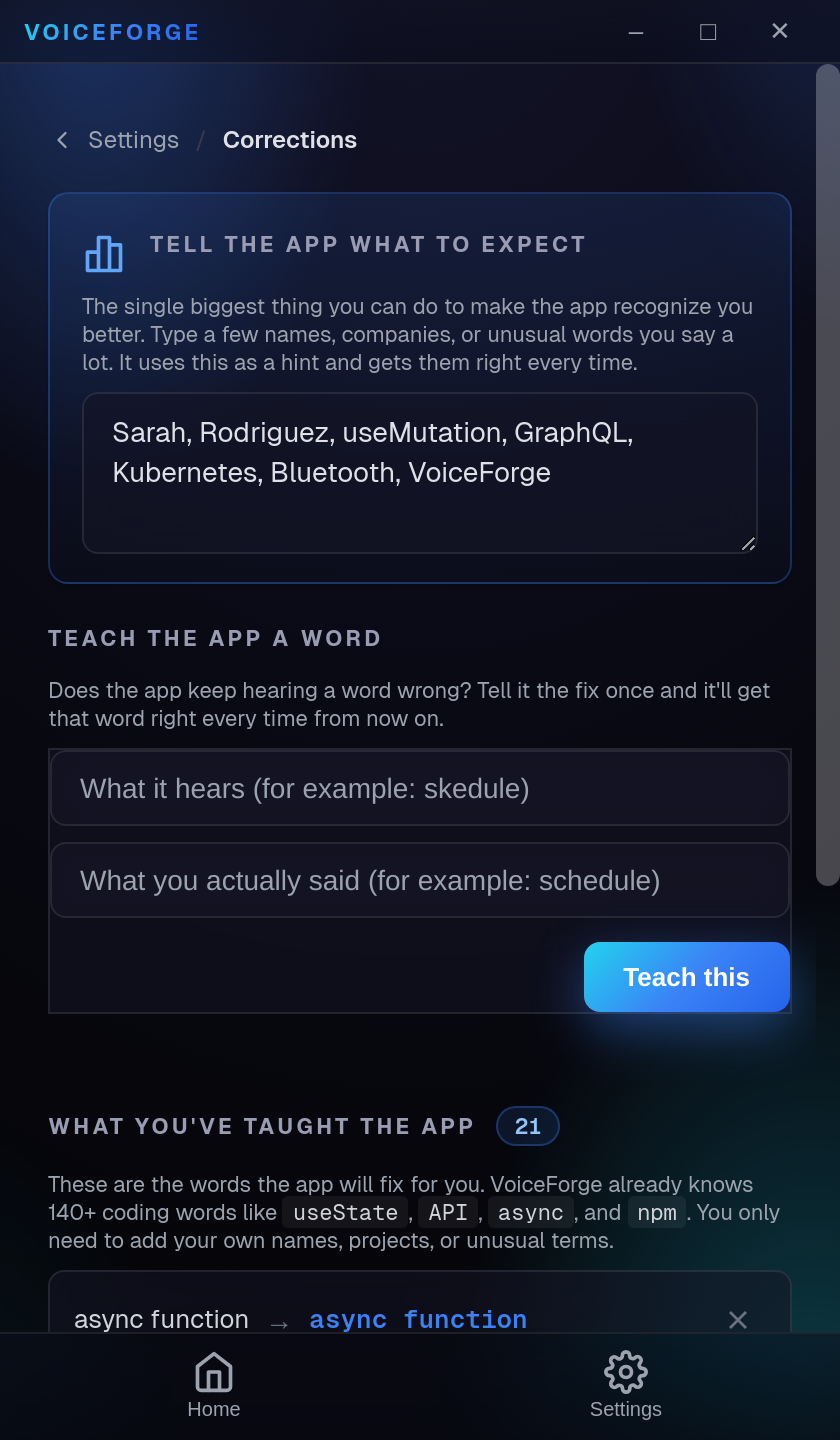
03
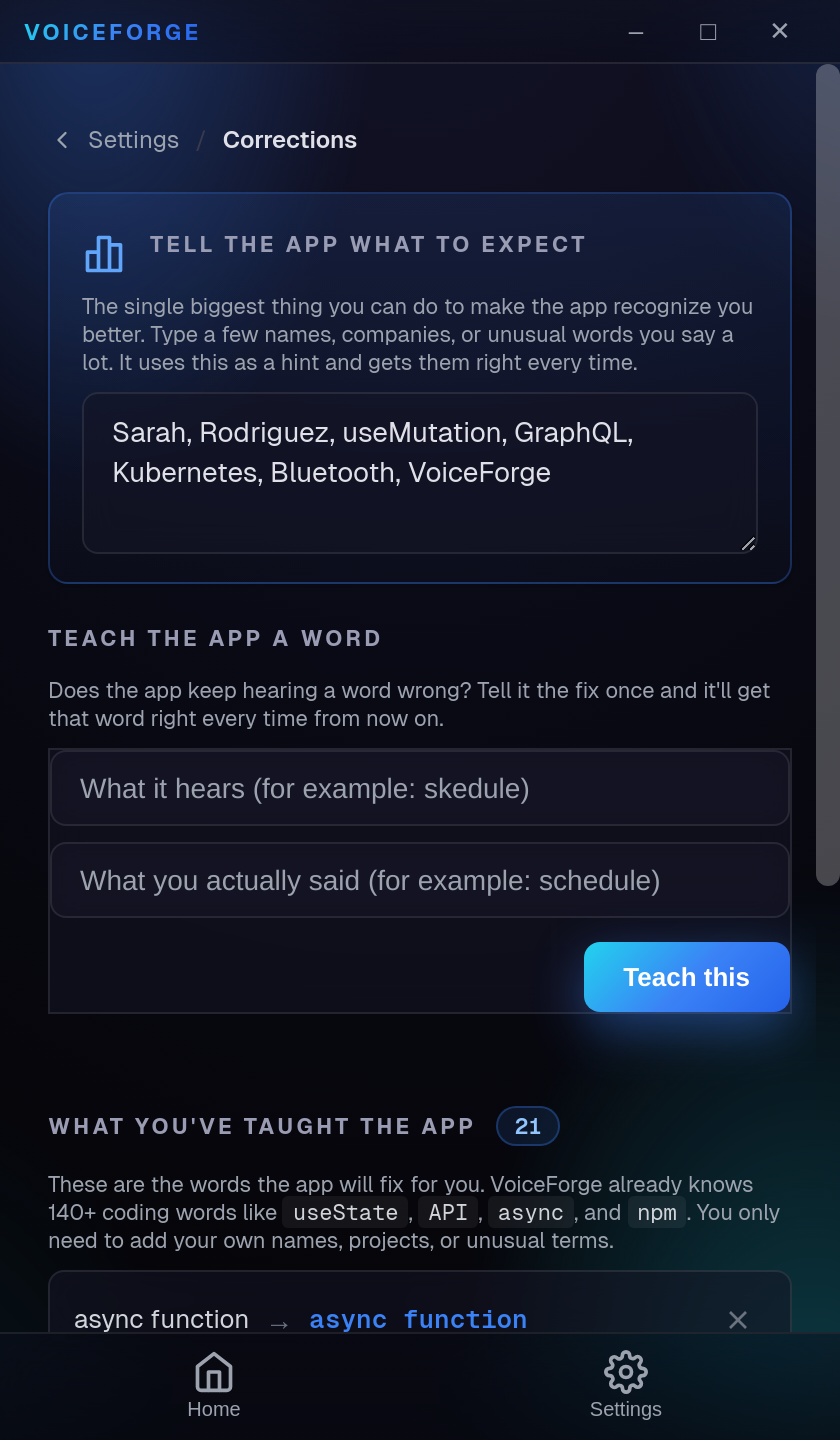
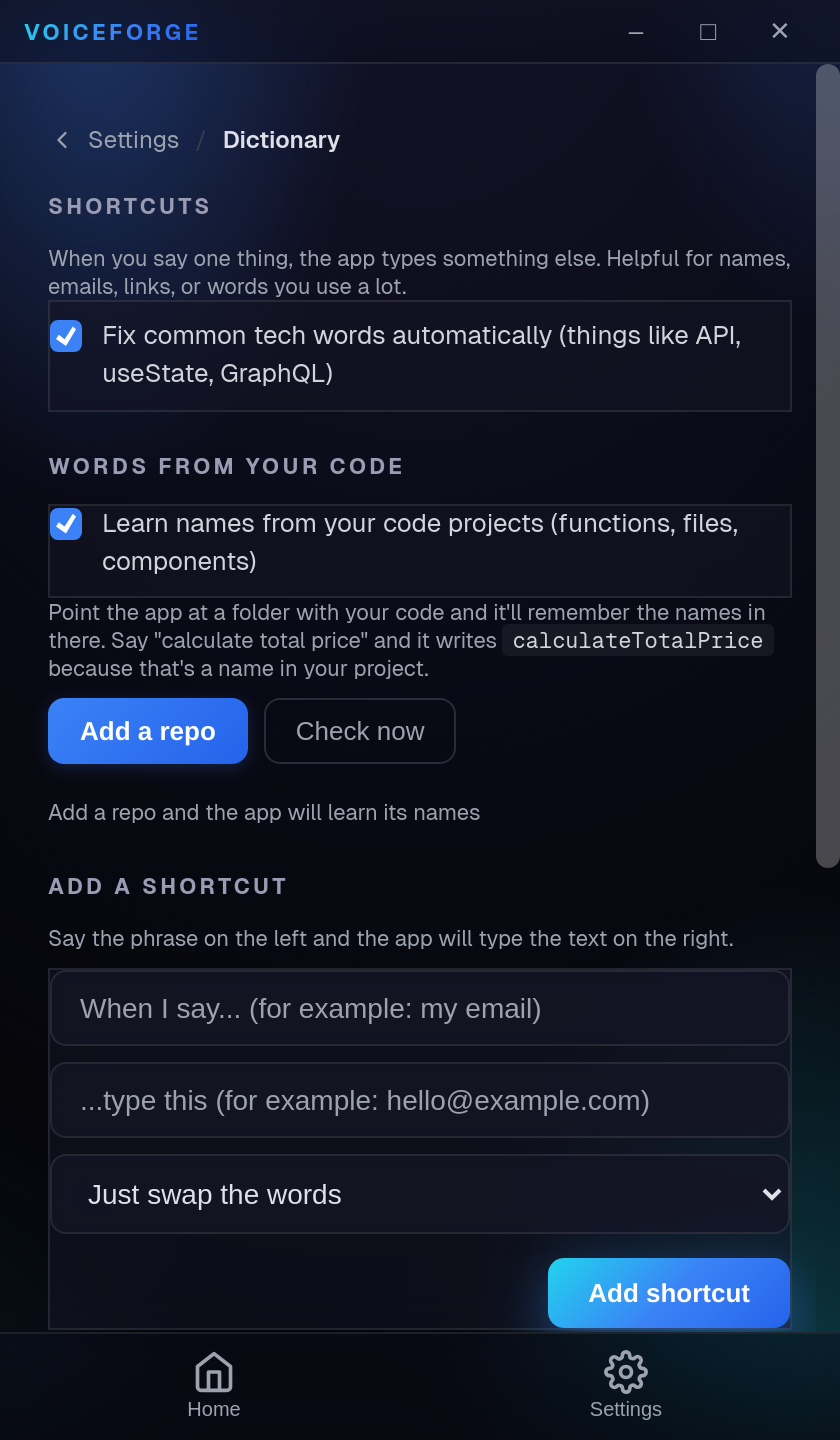
Keep your wording consistent
Save recurring corrections in the dictionary for future transcriptions.

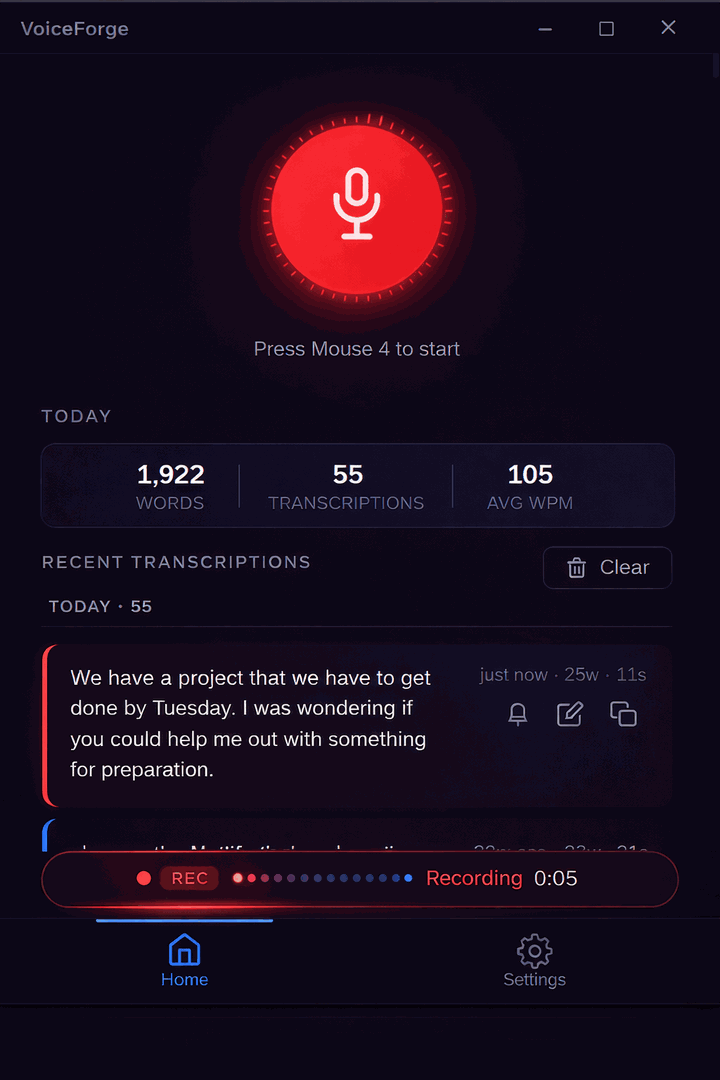
Screenshots
Real screens from the current build.
Features
What you get.
01
One-shortcut capture
Start dictating from anywhere with a global hotkey, then return clean text to the field you were using.
02
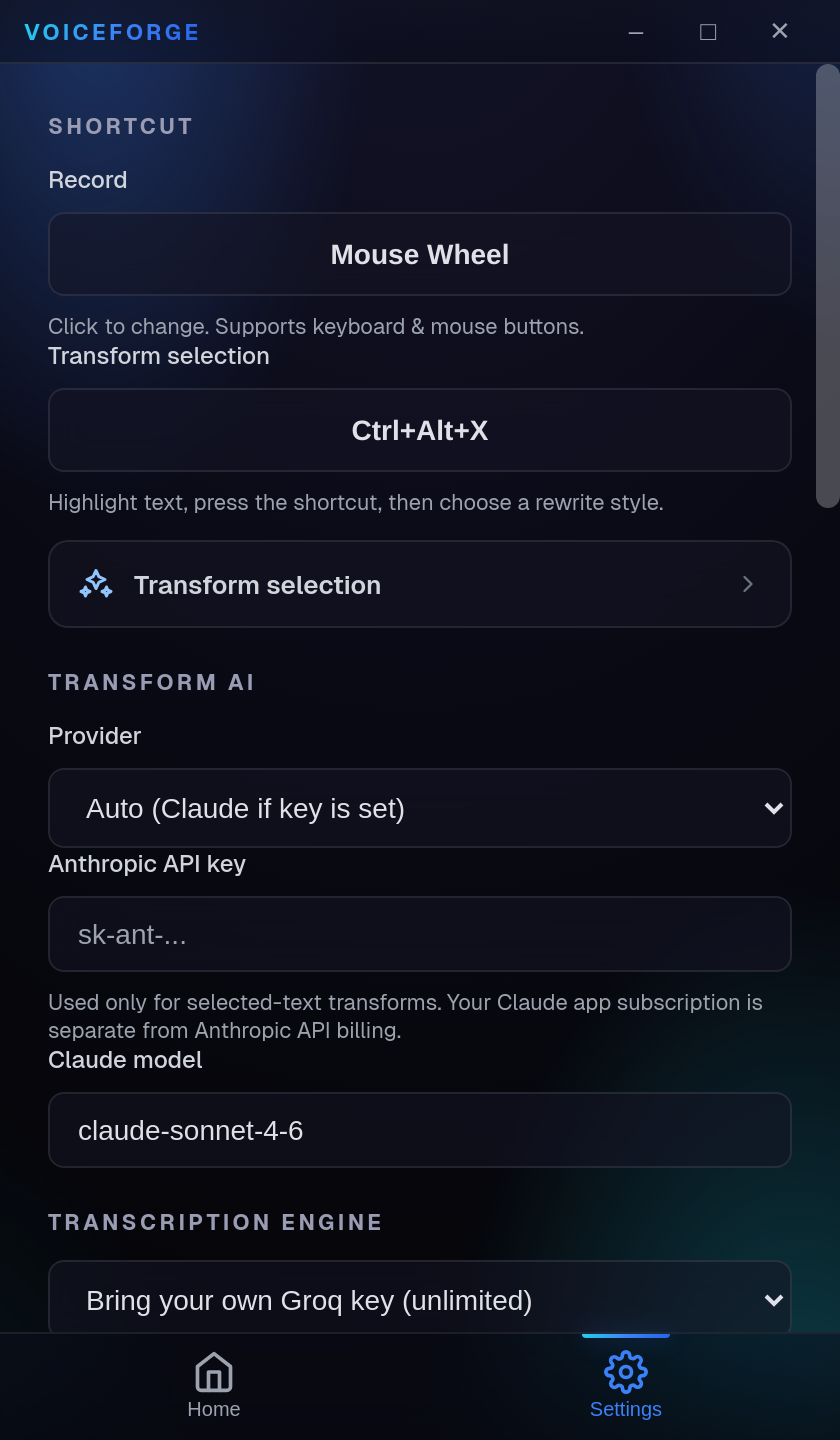
Your provider, your choice
Use supported cloud providers with your own key or keep transcription local with Whisper.
03
Corrections that stick
Teach VoiceForge recurring names, acronyms, and technical terms once instead of fixing them forever.
04
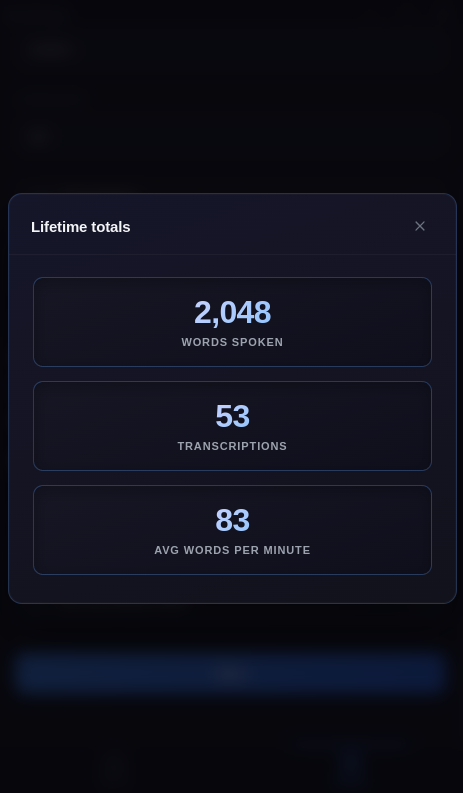
Private history and stats
Review past transcriptions and see how much typing time your voice has replaced.
Who this is for
- Writing prompts and agent instructions without breaking flow
- Drafting email, documents, and messages in any desktop app
- Capturing product ideas faster than a keyboard can keep up
- Reducing repetitive typing during long build sessions
Built with